.svg "Gorilla ROI")

Amazon Tutorials
How Shopify Sellers Sync Store Data to Google Sheets
Article Summary
🟤 We stop downloading CSVs and manually merging store data every morning
🟤 Gorilla ROI pulls live Shopify order data directly into your spreadsheet in 15 seconds
🟤 Automated refreshes keep your reporting system accurate without paying a team member to do manual data entry
The $31,800 Custom Build Mistake
An 8-figure brand recently reached out to us after attempting to fix their data delays the hard way. Before joining, they built their own reporting system using BigQuery and the Shopify API.
They spent $30,000 on an IT team and $1,800 on servers just to avoid paying a monthly software fee. Six months later, they scrapped the entire project. The custom scripts broke every time the API updated, requiring constant maintenance. As a business owner, your highest ROI activity is selling products, not maintaining an internal IT project.
Why Manual Shopify Exports Bleed Margin

This financial loss highlights a critical data architecture problem. Scaling a manual CSV process creates a fatal lag between warehouse events and spreadsheet visibility. When a business relies on manual data entry or fragmented IT projects, a predictable failure pattern emerges.
The Dashboard Delusion
You might assume you need a complex business intelligence platform to scale past $5M in revenue.
You do not need a new platform. High-volume sellers prefer spreadsheets because they offer total control over logic. Your spreadsheet is already the most powerful reporting system you own; you just need to get the data into the cells fast enough.
The Rules of Spreadsheet Automation
To eliminate the CSV export hamster wheel, we follow four strict operational rules for connecting Shopify to Google Sheets
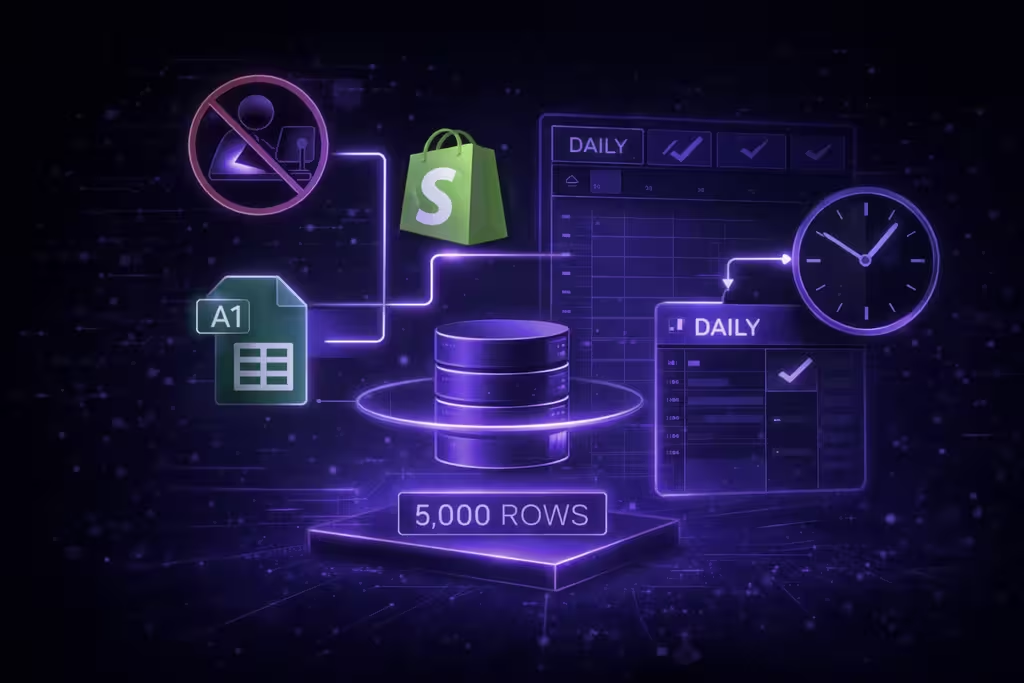
- Never export manually: If you have to log into Shopify to get a report, the system is broken.
- Standardize the anchor: All data imports should start in cell A1 to maintain predictable formulas.
- Control the volume: Limit query results to 5,000 rows to prevent Google Sheets from crashing.
- Schedule the refresh: Set a daily trigger to ensure numbers are ready before the team starts work.
Managing 47,000 Cells of Data?

A scaling brand hits a growth wall when the volume of data overwhelms standard workflows.
If you pull 12 months of shipment history, you generate nearly 47,000 cells of data. Without a direct connector, a team member spends half a day just organizing these rows. Automating the pull allows your staff to focus on inventory rather than spreadsheet maintenance.
Preventing Spreadsheet Crashes

Google Sheets has strict cell limits. Pulling "all metrics" for 50,000 orders will cause the tab to freeze.
Operational Rules for Data Volume:
- Use the "Show Advanced" filter in the sidebar to cap results at 5,000 rows.
- Select only the 10 most critical metrics for large data sets like "Orders".
- Create separate tabs for Inventory, Orders, and Shipments to keep the file light.
Direct Sync vs. CSV Exports
We connect the spreadsheet directly to the Shopify API to eliminate delays. Once connected, the spreadsheet refreshes automatically on a schedule.
Query Execution Speed
Core Definitions
As you evaluate your reporting workflows, use these definitions to keep your team aligned.
Data Connector An add-on that bridges the gap between Shopify's API and your Google Spreadsheet.
Query Sidebar The interface within Google Sheets used to select stores, date ranges, and specific metrics.
Frequently Asked Questions
How do I connect my Shopify store? Enter your store name in our interface under connections and authorize the account. Once the status shows active, the data is ready to be pulled into your sheets.
Can I pull data from multiple Shopify stores? Yes, you can connect multiple accounts and select the specific store from a dropdown menu in the query sidebar. This allows for consolidated reporting across different brands.
Will my data update automatically? You can set a daily schedule to refresh all queries without opening the file. Alternatively, use the manual reload button to update tens of thousands of data points in seconds.
What happens if a query fails? The system includes a log feature to help troubleshoot failed connections. You can view exactly why a sync failed and resolve it instantly.
Can I choose specific metrics like shipment status? The sidebar allows you to selectively choose metrics including quantity, shipment status, and tracking numbers. You are never forced to import irrelevant data.
The 5-Minute Reporting Audit
Forward this checklist to your operations team to test your current system:
- Can we update our 90-day sales data in under 60 seconds?
- Does the data flow into the spreadsheet without a manual CSV download?
- Are the shipment and inventory reports synced to the same date range?
- Is there a single source of truth cell where all queries begin?
- Is the data set to refresh automatically every 24 hours?
Standardizing Your Data Workflow
Automating Shopify data into Google Sheets eliminates manual data entry and reporting delays. Using a direct connector ensures your team makes decisions based on live numbers rather than outdated exports.
Leave a Reply













Manual Exports Don’t Scale Forever
Replace Manual Spreadsheet Workflows Before They Slow Your Team Down